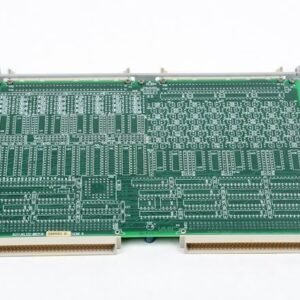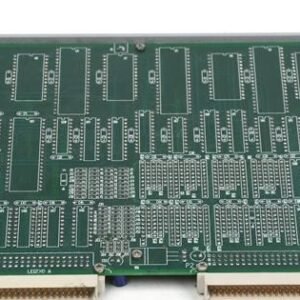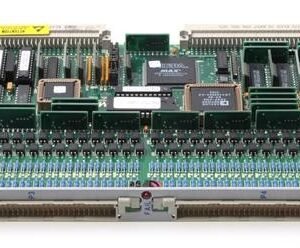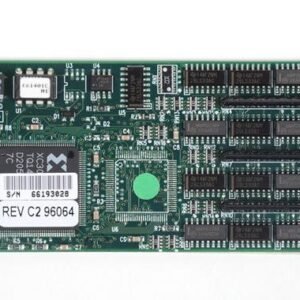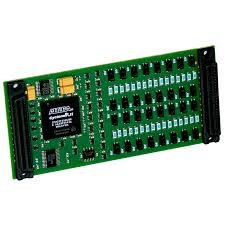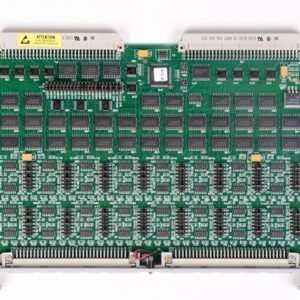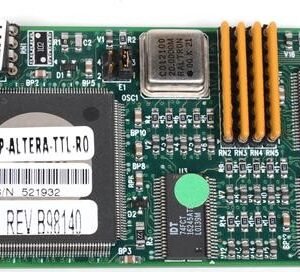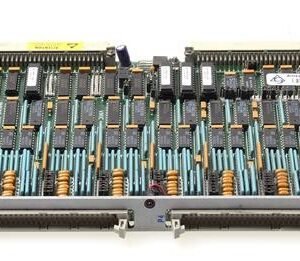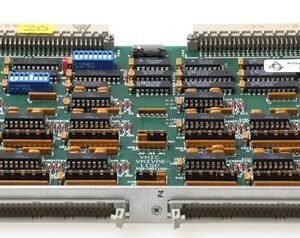

The NI PC-OPDIO-16 is an ISA-bus optically isolated digital I/O board delivering 16 channels of isolated digital input and output for industrial control, automated testing, and data acquisition. Eight optically isolated input channels and eight output channels operate independently, decoupled from computer ground and each other to eliminate noise and ground loop issues in harsh industrial environments. Optical isolation supports 24 VDC separation, making it ideal for applications requiring galvanic isolation between control systems and field equipment.
Technical Specifications
Channel Configuration
• 8 optically isolated digital inputs, 8 optically isolated digital outputs
• Two 8-bit ports; 1 kHz data transfer rate
Input Specifications
• Voltage range: 3 to 31 VDC or AC (40 to 10000 Hz)
• Maximum input: 24 VDC or 24 VAC
• Current draw: 1.5 mA at 5 V, 7.0 mA at 24 V per channel
• Input impedance: 1.8 kΩ in series with optocoupler
• Response time: 4.7 mSec (with filter), 10 µSec (without filter, typical)
• Jumper-selectable filtering for AC or noisy DC inputs; disableable
Output Specifications
• Voltage range: 5–24 VDC recommended; 40 VDC absolute maximum
• Solid-state FET outputs (off at power-up)
• 2 A maximum per channel
• Turn-on: 90 µSec; turn-off: 110 µSec
• Protected against short circuit, over-temperature, and ESD; supports inductive loads
Power Consumption
• Maximum 500 mA at 5 VDC
– Key Features
• Optical isolation decouples noisy and harsh ground environments
• Non-polarized inputs, isolated from each other and computer ground
• Switchless, jumperless configuration via software
• Plug and Play support with automatic detection
– Typical Applications
Industrial control systems, automated test equipment, data acquisition in electromagnetically harsh environments, isolated signal switching and sensing.
– Compatibility & Integration
Compatible with PC/XT/AT and IBM PS/2 models 25 and 30. Integrates with National Instruments DAQ and SCXI devices. Software support via LabWindows/CVI, LabVIEW, and NI-DAQ (v4.8 or later). Configuration through DAQCONF (DOS), WDAQCONF (Windows), or NI-PNP.EXE.